
Find buyer email addresses in your match notification emails:
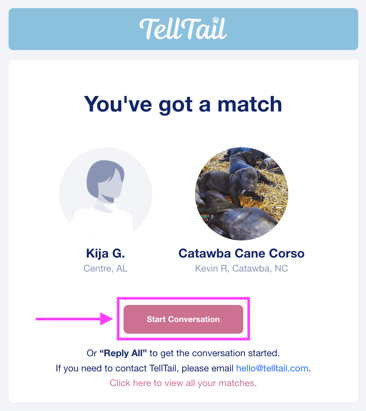
- When you receive a new buyer match email notification, click on the Start Conversation button in the email (see image below). This opens a new email to the buyer.
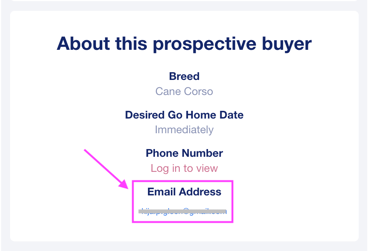
- Additionally, you can scroll down in the same email and find the buyer's email address (see image below). Feel free to email them directly.
Find verified buyer phone numbers by logging into your account:
- Log in to your account and navigate to your Leads page. Click here to log in now.
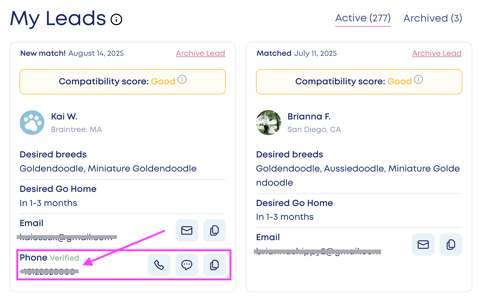
- If a buyer lead has verified thier phone number, it will be shown on their lead card (see image below). If a buyer lead does not have a phone number listed, this is because their phone number is not verified.
We recommend that you utilize email whenever possible for buyer outreach. Verified buyer phone numbers are available to you so that you can follow up on conversations with serious buyers.
Copy buyer email addresses from your TellTail account:
- Log in to your account and navigate to your Leads page. Click here to log in now.
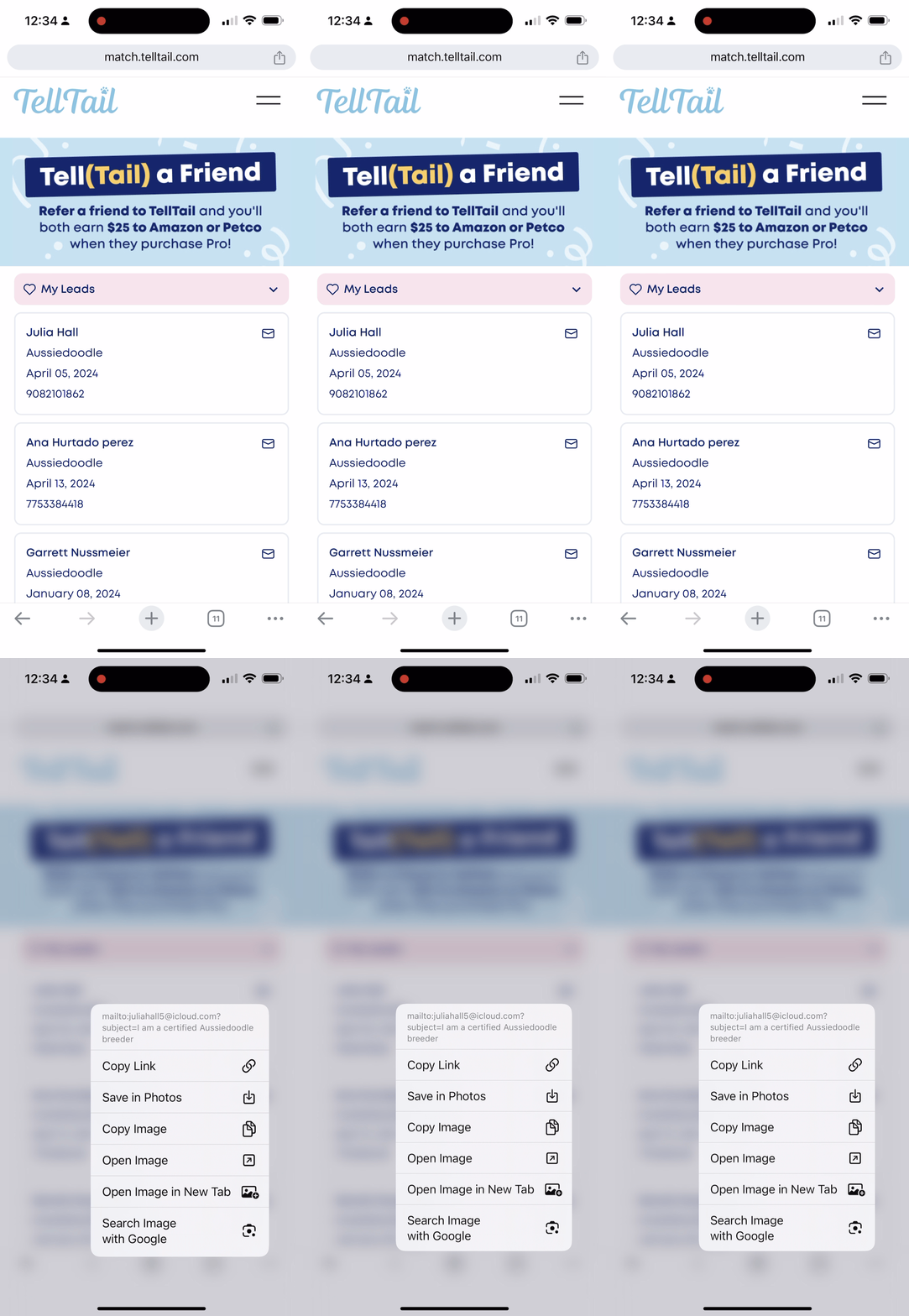
- On a mobile device, press the email icon and hold. A menu will pop up allowing you to "copy" the email address. This menu option may say, "copy," "copy link," or "copy email address," depending on your device operating system.
- On a desktop computer or laptop, right-click on the "Send Email" button and select "copy," or "copy email address."
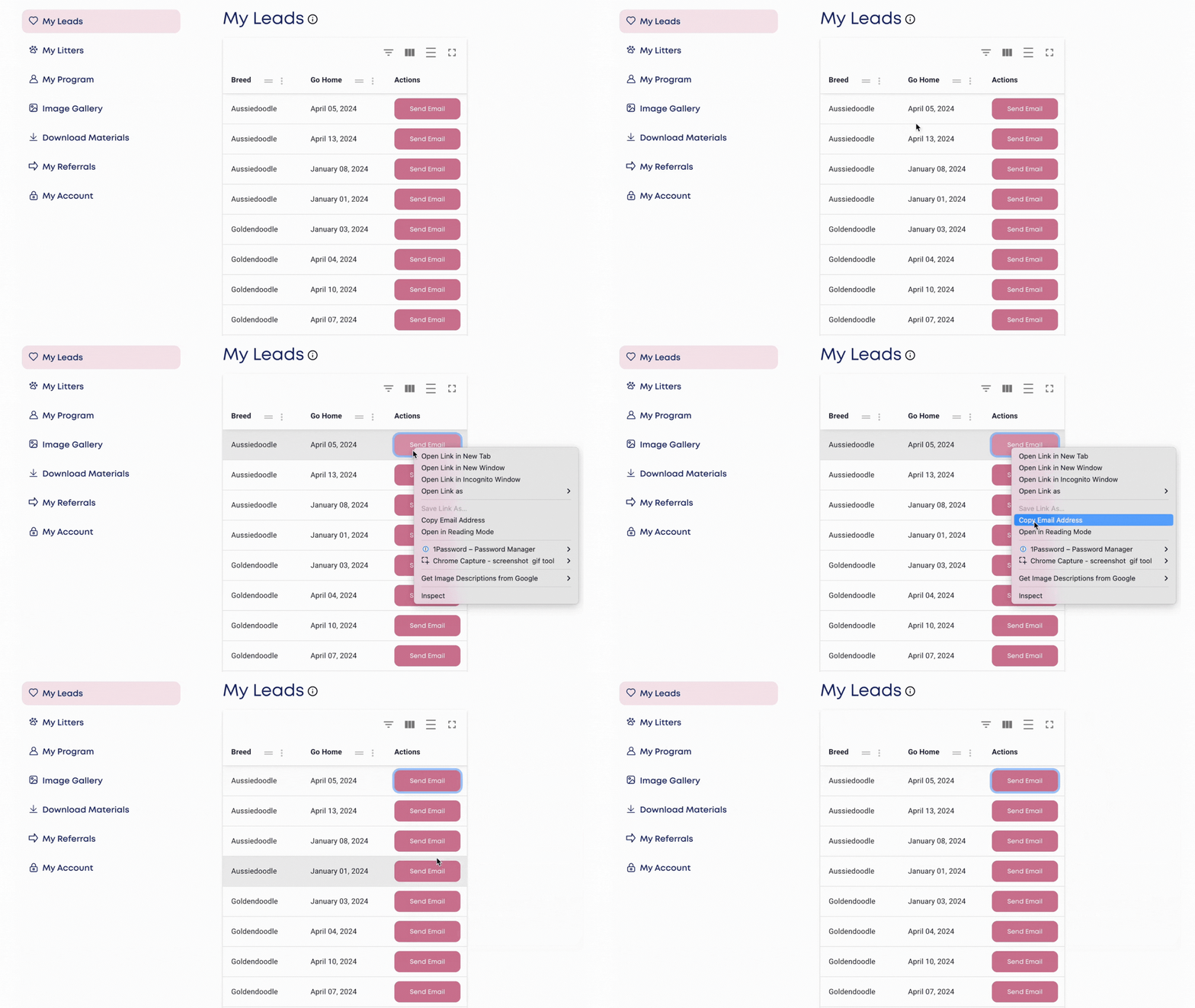
- You can now paste this email address wherever you would like.