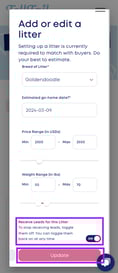
The Importance of Keeping Your Litters Up to Date
Maintaining up-to-date litter information on your TellTail profile is crucial for optimizing the platform's matching algorithm, ensuring that you are matched with the most suitable prospective buyers for your litters.
If your litters are not kept up to date, TellTail's matching algorithm will not be able to send you the most qualified buyers for your litters.
Here are some additional articles that may be helpful-
Add a New Litter, Update an Existing Litter, or Delete a Litter
- Click here to log in to your account
- Navigate to "My Litters"
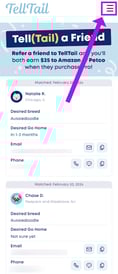
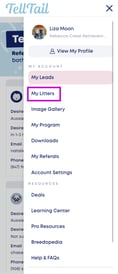
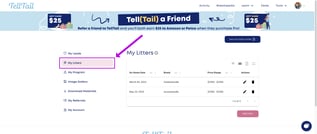
- Select "Add Litter," or select the "Edit" icon or the "Delete" (trash can) icon.
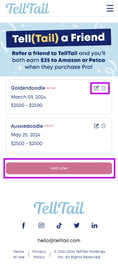
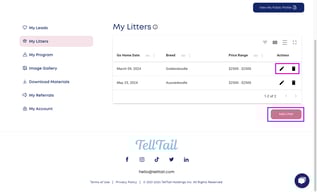
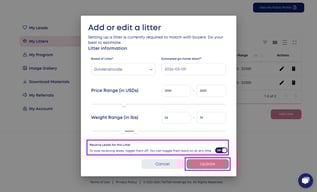
- Add accurate litter information to the window that pops up on your screen. This information is not visible to buyers. This information allows our algorithm to match buyers to your program.
Be sure to select "ON" for "Receive Leads for This Litter."
Select "Update" or "Save" to save your litter to your profile.